Preparing workspace
Loading your workshop
We are getting the latest files, prices, and production details ready.
Loading workshop information
Preparing workspace
We are getting the latest files, prices, and production details ready.
Demo
See how a shop collects customer files, reviews parts, makes quotes, records approvals, tracks jobs, and creates reports.
Product walkthrough
Upload, quote, approve, produce
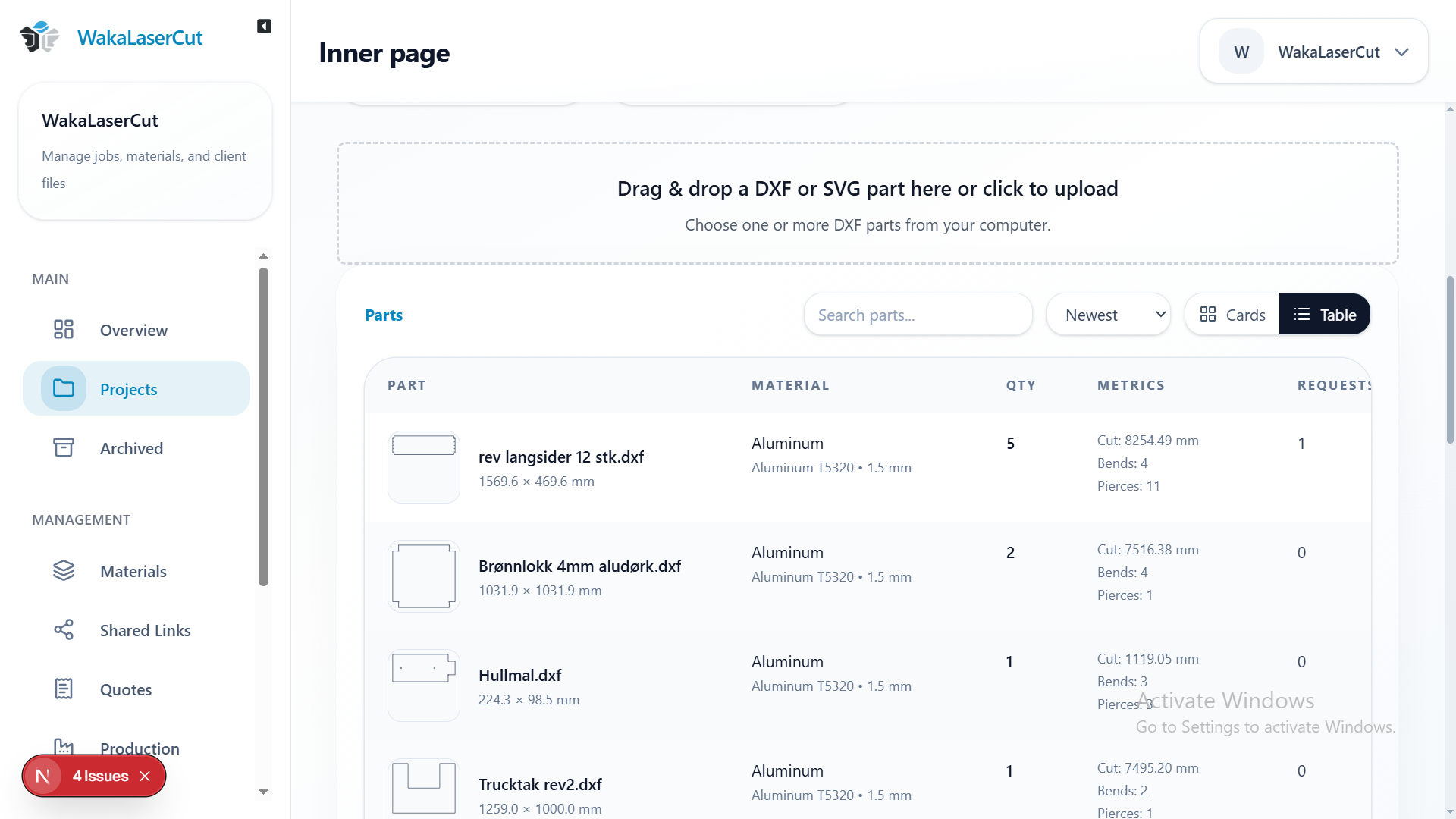
Walkthrough
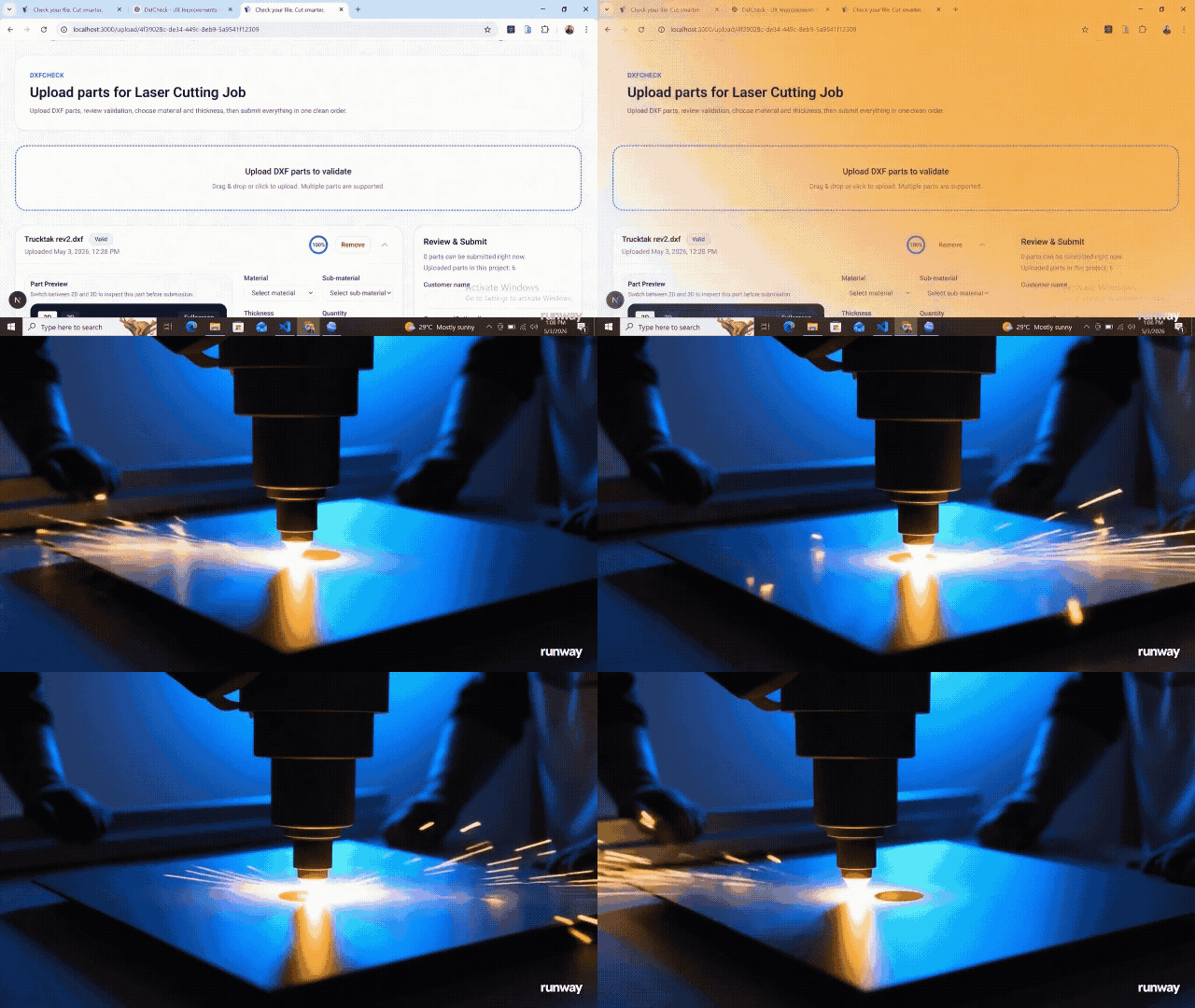
Each view shows one main step, from upload and review to quotes, customer replies, and production.
Step 01
Receive work
Collect parts, notes, and quantities through one upload page.
Step 02
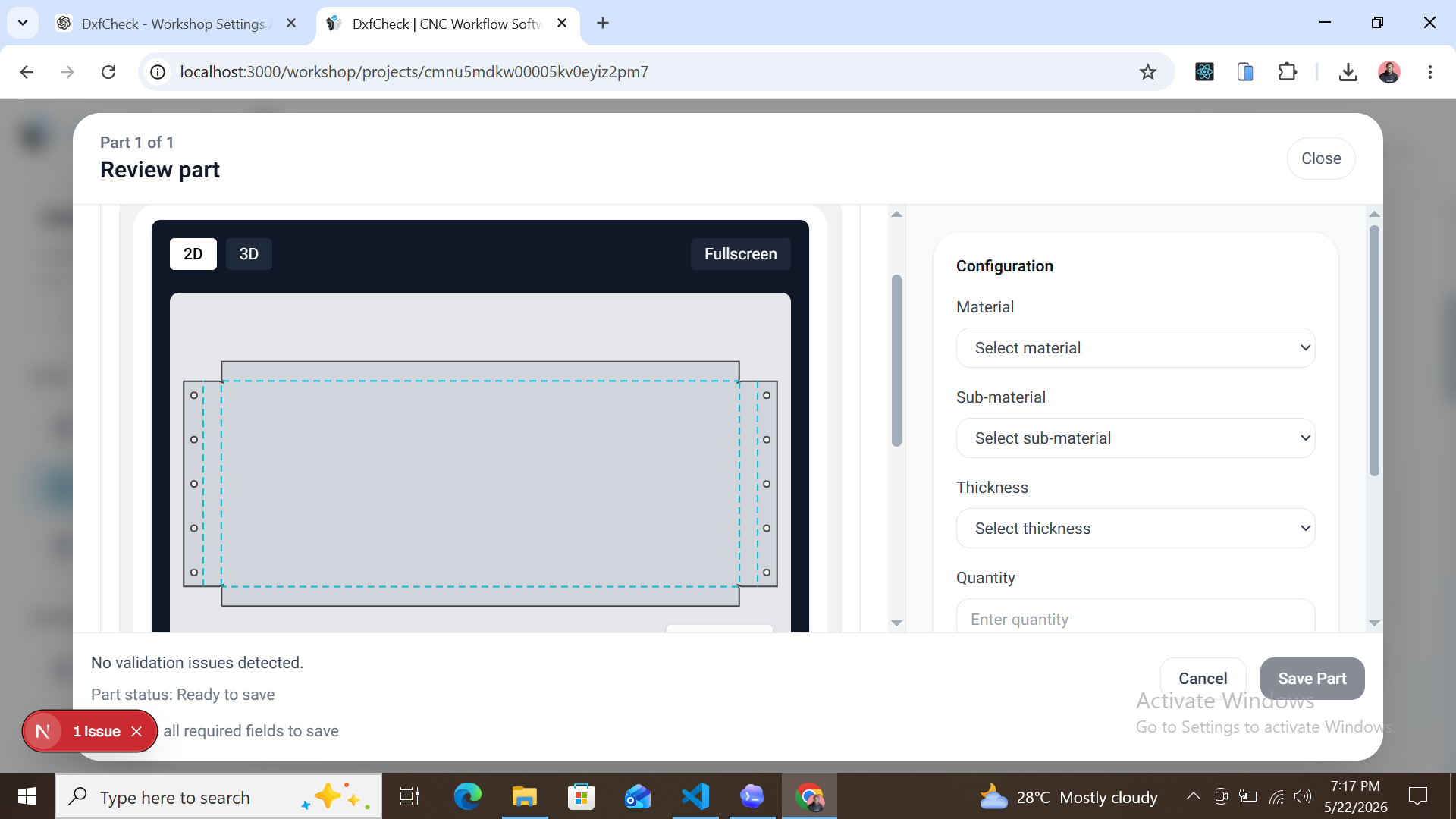
Review parts
Open the part page to see 2D, 3D, drawing checks, and part sizes.
Step 03
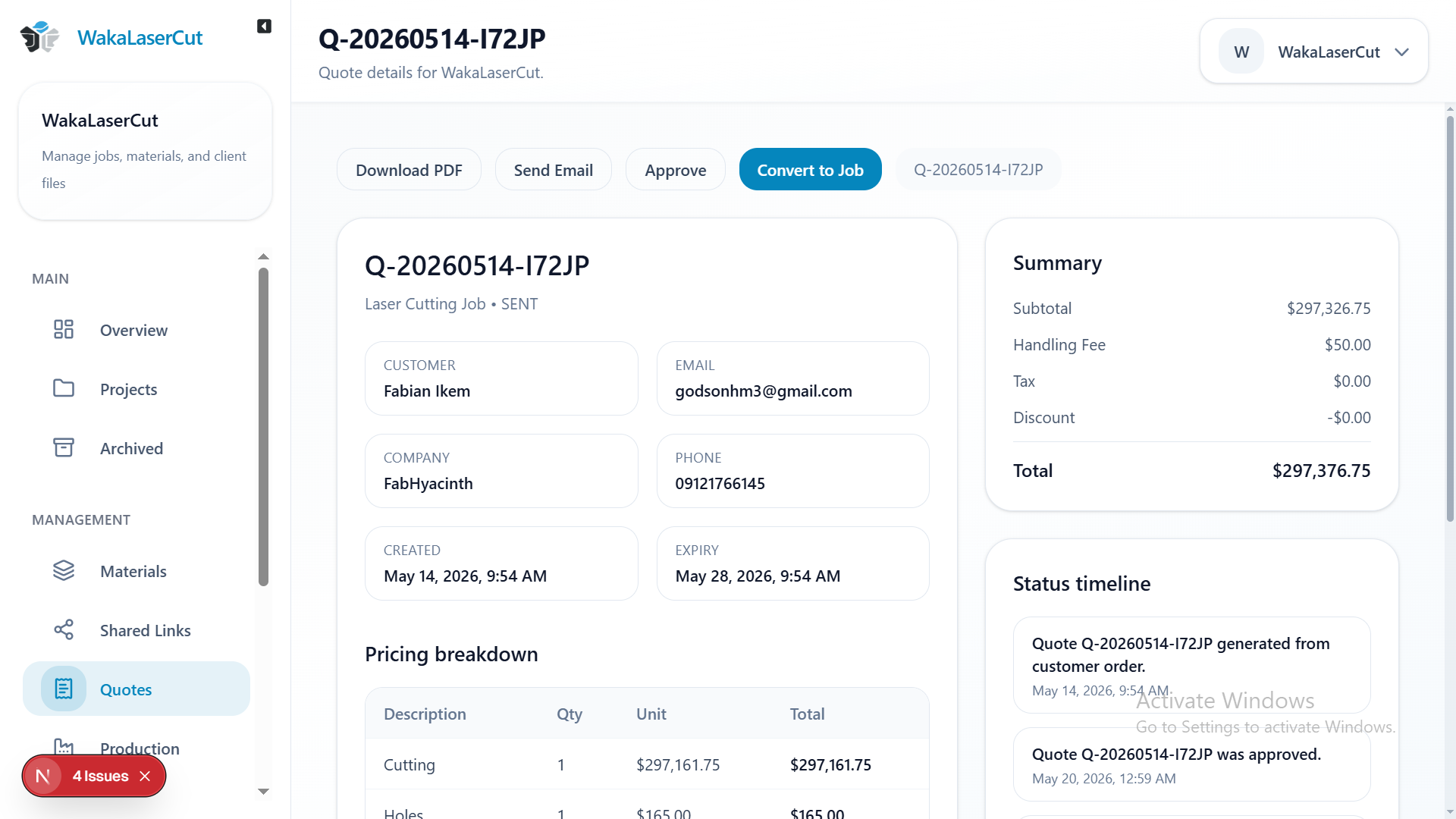
Quote faster
Use saved prices to make clear customer quotes.
Step 04
Collaborate
Keep requests, approvals, and workshop replies with the part.
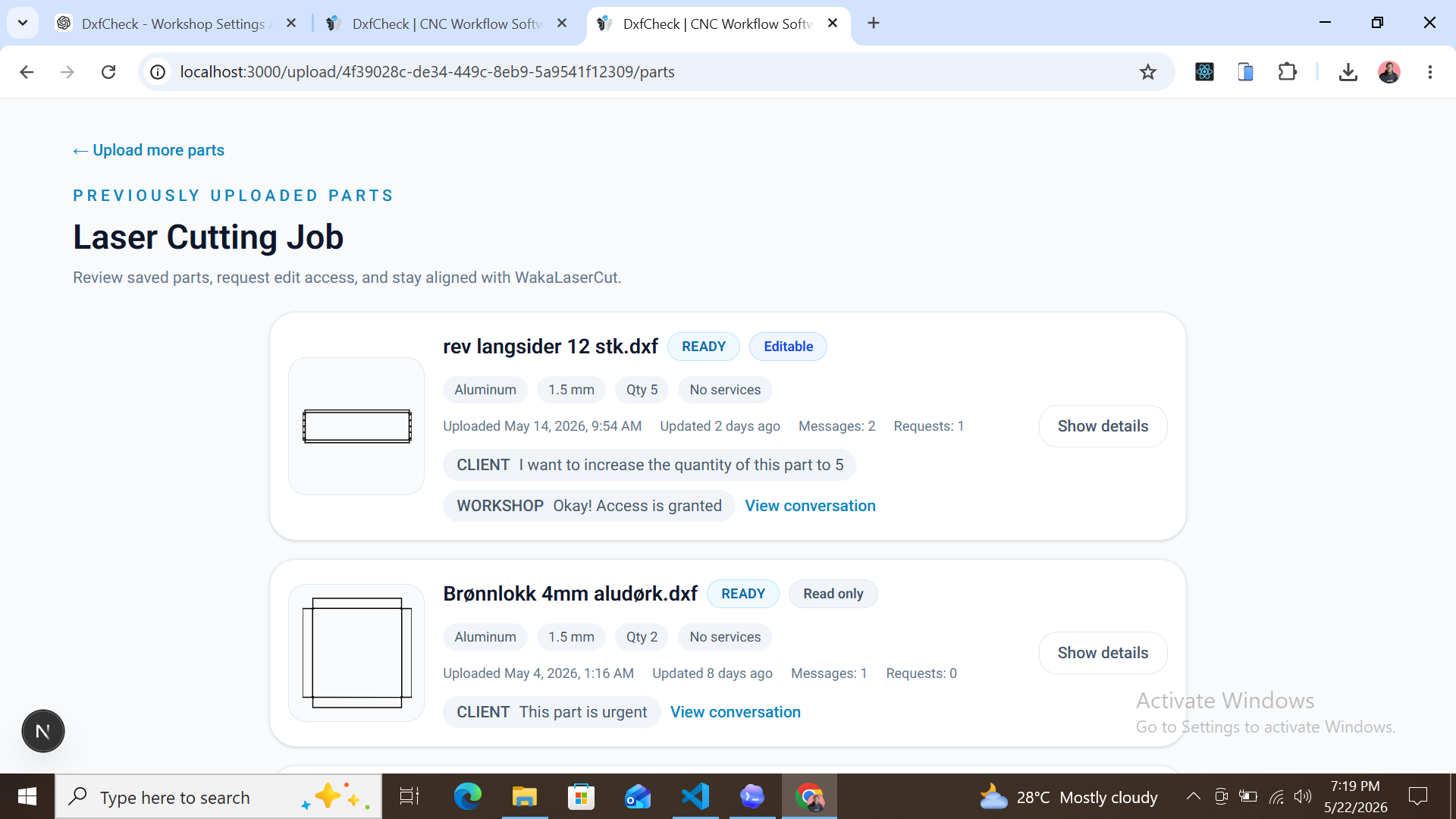
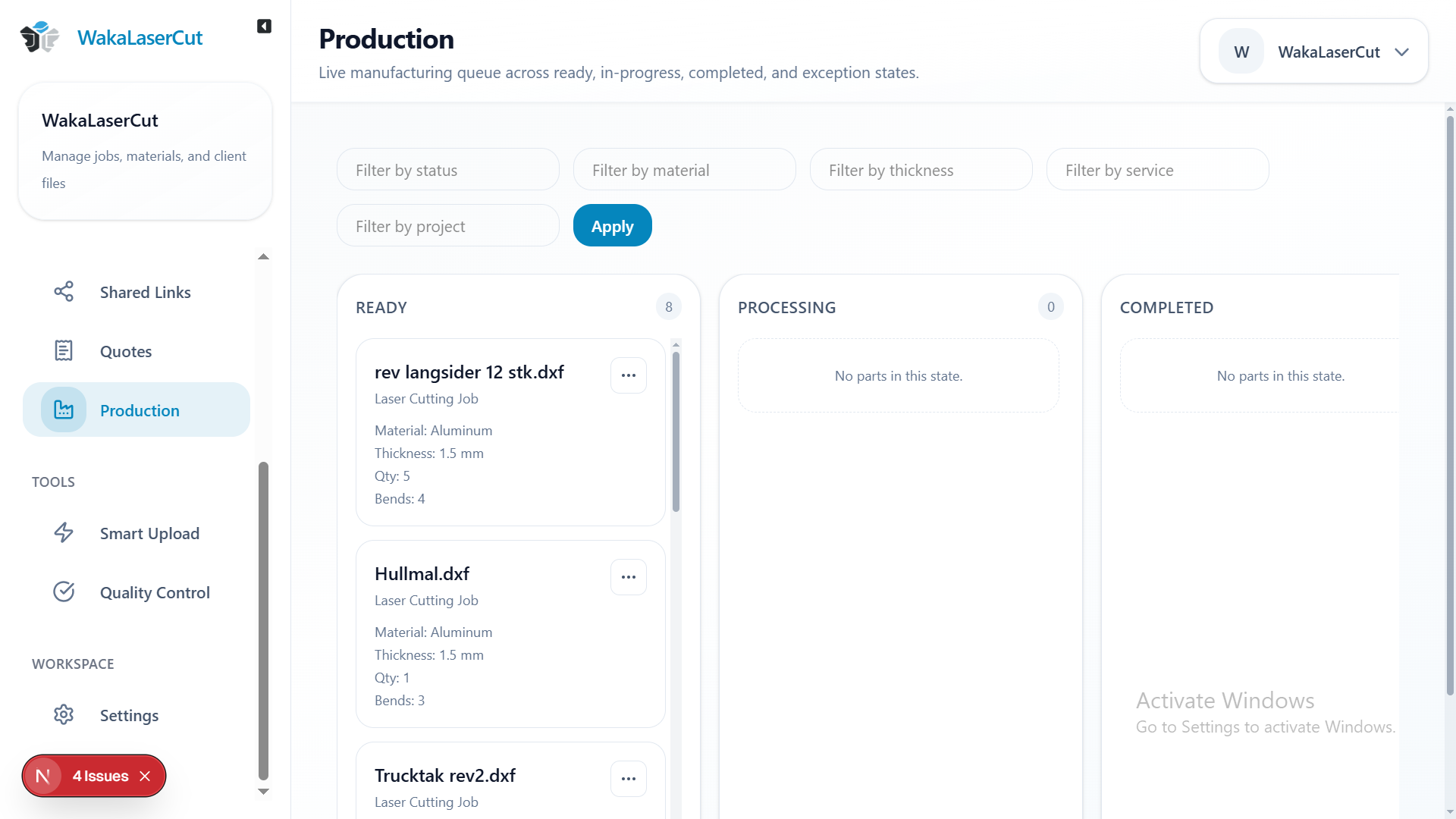
Step 05
Manage production
See each job move from approval to completion.
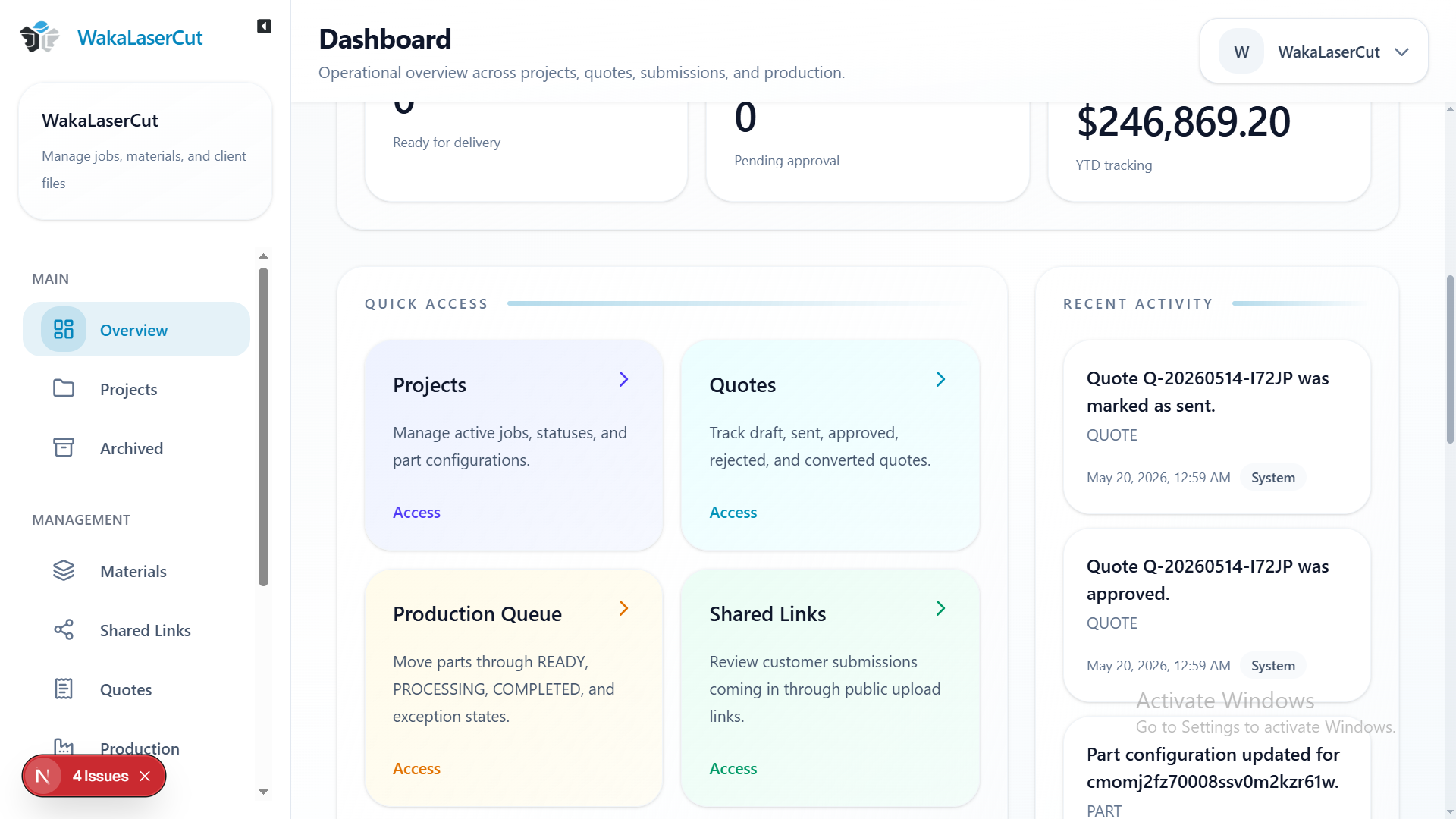
Step 06
Run your workshop
Manage materials, prices, and reports in one system.
Next step
Upload a part, check the drawing, make a quote, and keep the job moving without entering the same details again.
Part review
Kept in the same simple workflow.
Customer approvals
Kept in the same simple workflow.
Export reports
Kept in the same simple workflow.
 QuotifyCnc